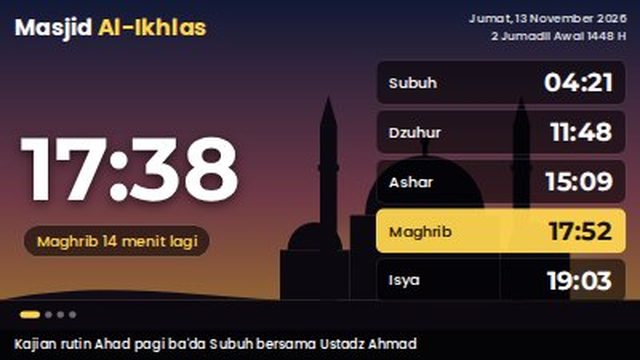
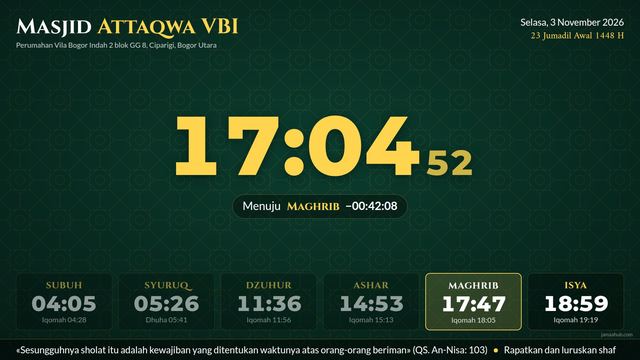
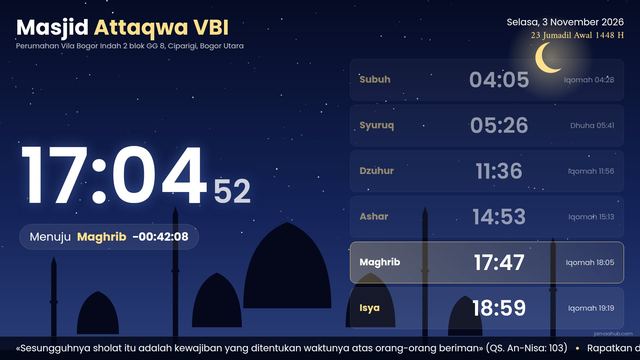
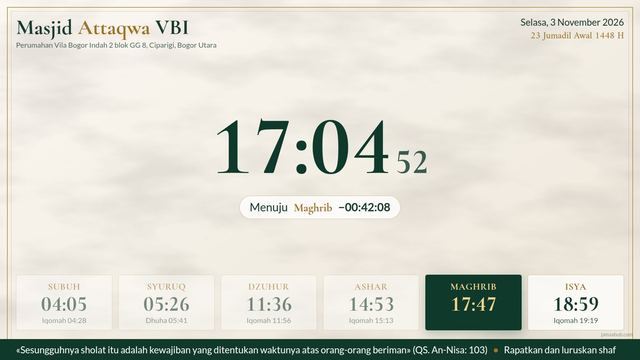
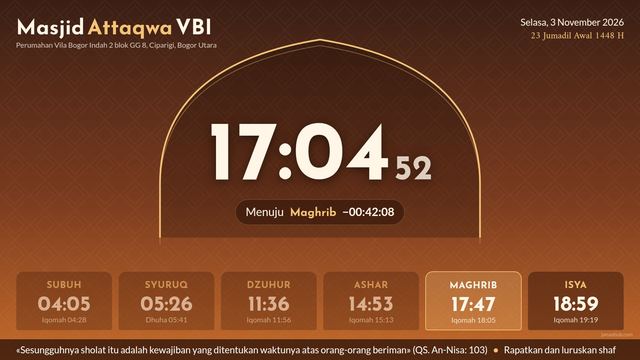
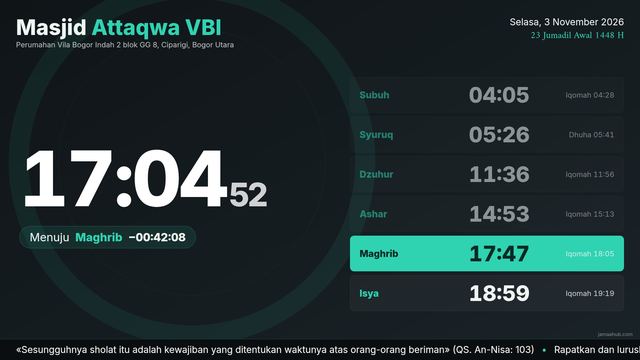
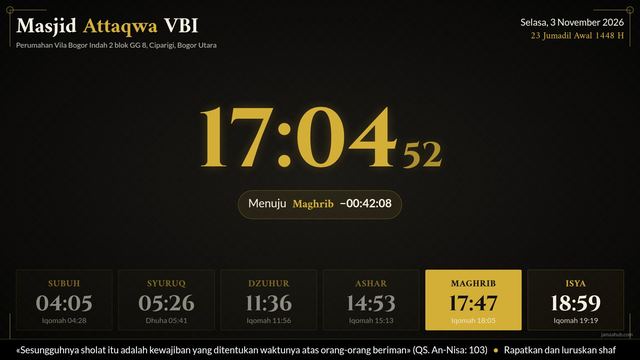
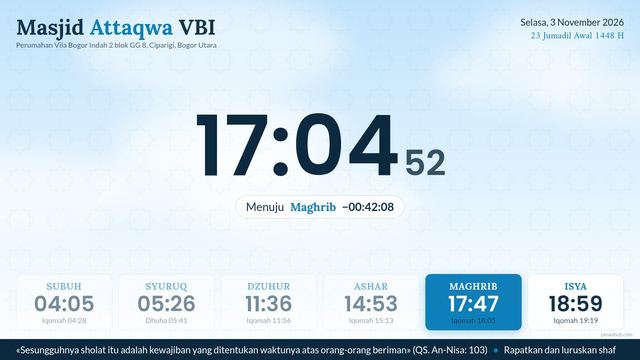
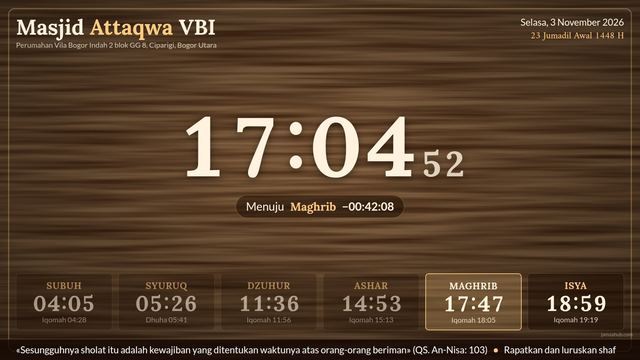
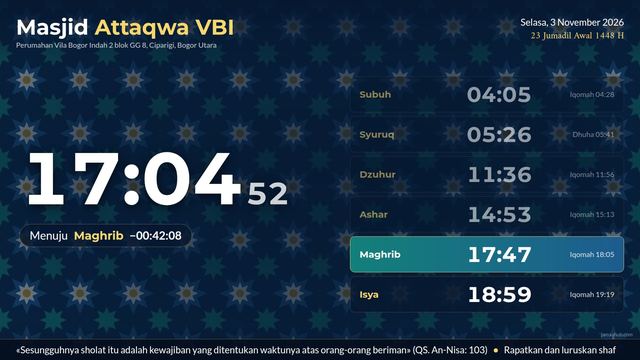
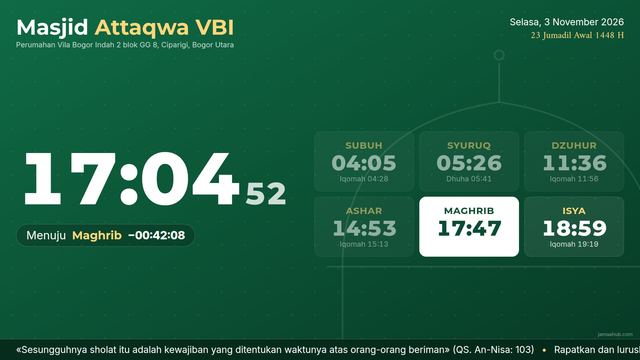
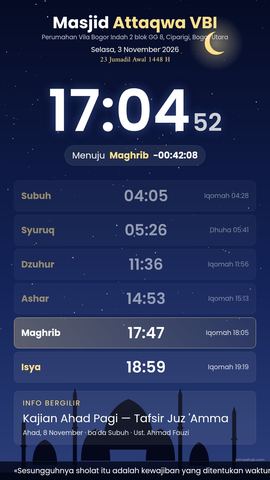
One app for your mosque TV: automatic prayer times, iqamah countdown, announcements, verses, and lecture videos. The committee manages it all from a phone.
Tap a button on the phone and the TV changes straight away.
12
ready-made themes, landscape and portrait
3
screen languages: Indonesian, English, Malay
0
internet needed for prayer times
1
phone is enough to run everything
One day on the mosque screen
Without anyone touching it, the screen follows the prayer times. Scroll to watch.
Before Fajr
A large clock and adhan countdown greet those who arrive early.
Adhan time
The muadhin gets a signal and the screen moves to the adhan.
Before iqamah
Everyone can see if there is time for wudu and sunnah prayer.
During prayer
The screen dims so nothing distracts.
Through the day
Verses, hadith, events, and announcements take turns.
Friday
A dedicated khutbah and Friday prayer screen, with the officers named.
At night
The screen can rest to save electricity.
Twelve themes, one that suits your mosque
Each theme has its own layout, background, fonts, and colours. Every picture below was taken from a real TV.
Photo GalleryClassic EmeraldMadinah NightWhite MarbleMihrab DuskModern TealKiswah Black GoldCalm MorningTeak WoodAndalusiaGreen DomeWorks in portrait too
What your mosque gets
Everything in one app, ready from the first day.
Prayer times
Automatic times for your location
Adhan and iqamah countdowns
Dedicated Friday and Ramadan screens
Display
12 ready-made Islamic themes
Landscape or portrait TV
Your own logo, colours, and background
Notices
Running text and announcements
Verses, hadith, duas, and adhkar
Events, Friday officers, photos, and video
Sound
Signals for adhan and iqamah
Scheduled tarhim and recitation
Use your own sounds
Management
Controlled from an Android phone
Upload khatib schedules from Excel
Share times to WhatsApp
Reliability
Keeps running with no internet
Stays right after a power cut
Automatic updates and power saving
Built for how mosques really are
Power cut?
The screen comes back by itself and the clock can be trusted.
No internet?
Prayer times carry on as usual.
New version?
The app updates without disturbing prayer.
Worried about electricity?
The screen can be off when it is not needed.
Set it up yourself in three steps
No technician needed, just a TV and an Android phone.
Install on the TV
Download the JamaaHub app to your Android TV, or ask us to install it.
Scan the QR code
Install the Admin app on the phone from the code on the TV.
Questions to ask before you buy. This is a general comparison by product type, and brands differ.
What to ask
JamaaHub
LED clock
Free TV app
Cloud signage
Works with no internet
Yes
Yes
Some
Usually not
Managed from a phone
Yes
Usually a remote
Some
Yes
Images and video
Yes
No
Limited
Yes
Choice of themes
Yes
No
Limited
Yes
Clear price up front
Yes
Yes
Free
Subscription
A gift seen five times a day
One screen is seen by hundreds of worshippers, five times a day, for years. It can be given to a mosque as a gift in the name of parents or family, and the committee only has to install it.
Choose your JamaaHub licence
One licence per screen, installed on the Android TV, TV box, or Android stick you already have. Pick the licence period, then download the app. Prices are in Indonesian rupiah.
Licence only
For mosques that already have an Android TV, TV box, or Android stick.
Includes: a licence code by e-mail; you install the app with our guide.
Pictures are illustrations. The licence is a code sent by e-mail, with the same features in every package.
Device packages (licence with a stick, box, or TV) are only sold in Indonesia. Outside Indonesia, buy the licence and install the app on your own device.
Need help installing?
This service is paid separately from the licence.
Install it yourself with our guide
Free
Remote assistance
Rp99.000
Need installation? Contact us through the demo form.
Pay by QRIS, virtual account, or bank transfer. The licence code is emailed once payment is received. Renew a licence
Know another mosque committee? Earn up to Rp200,000 per licence, and help install at mosques near you. Join as an affiliate
Try it at your mosque first
Fill in your mosque's details and the JamaaHub team will contact you on WhatsApp with demo access and setup steps.
Free to try
Works on the TV or box you already have
Guided until the screen is on
Questions committees often ask
What is JamaaHub?
JamaaHub is a digital mosque clock app for Android TV, TV boxes, and Android sticks. It shows prayer times, adhan and iqamah countdowns, and notices on the mosque TV, and is controlled from an officer's phone.
Does it need constant internet?
No. Prayer times keep running with no internet.
Can I use the TV we already have?
Yes. An Android TV can install the app directly. A regular TV with an HDMI port needs an Android stick. We also offer installation.
How is it controlled?
With the JamaaHub Admin app on an Android phone, on the same Wi-Fi as the TV.
Who runs it day to day?
Anyone given access, usually the caretaker or committee secretary. It only takes one lesson.
What happens in a power cut?
The screen returns by itself when power comes back, and the clock can be trusted.
What is the difference between lifetime, yearly, and monthly?
Lifetime is paid once. Yearly and monthly cost less at the start, then renew at the licence price. The features are the same.
What happens when a licence ends?
For 3 days the screen keeps showing everything, with a reminder to renew. After that it shows only the clock and the mosque name until the licence is renewed. A lifetime licence never ends.
Can it be bought as a gift for a mosque?
Yes. Order in any name you wish, then pass the licence code to the mosque committee.